More than particles.
ParticleSystem, MeshRenderer, SkinnedMeshRenderer, SpriteRenderer, LineRenderer, and TrailRenderer sources.
 shanflyer.
Unity plugin / Open source
Particles and 3D.
Inside your UI.
Render effects and geometry through Unity UGUI Canvas, placing them between ordinary UI elements without RenderTexture compositing.
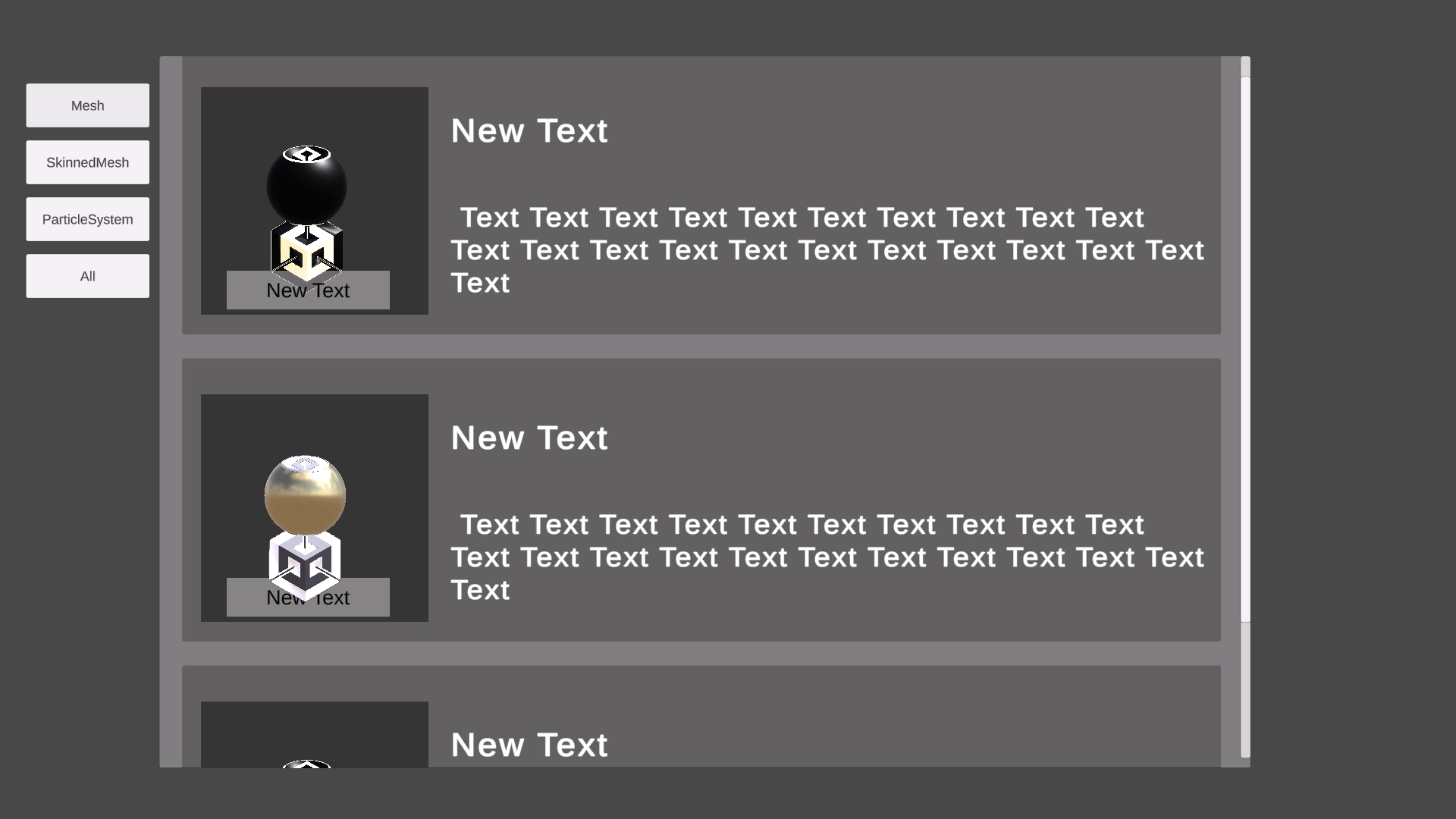
ParticleSystem, MeshRenderer, SkinnedMeshRenderer, SpriteRenderer, LineRenderer, and TrailRenderer sources.
UI hierarchy ordering, CanvasGroup fading, and Mask / RectMask2D support with compatible shaders.
Automatic unit conversion, optional particle simulation sharing, adaptive particle output merging, and configurable update rates.
Getting started
Requires UGUI and the Particle System module. Screen Space – Camera is recommended. World Space Canvas is unsupported. Overlay requires a custom single-pass shader. MeshRenderer sources require readable meshes.
Unity 6 URP Forward+ with Direct3D 12 has a known Frame Debugger crash when inspecting default URP/Lit draws. See the shader integration notes for details and workarounds.
Unity Asset Store
The source package and documentation are available on GitHub.
Support